Workspace
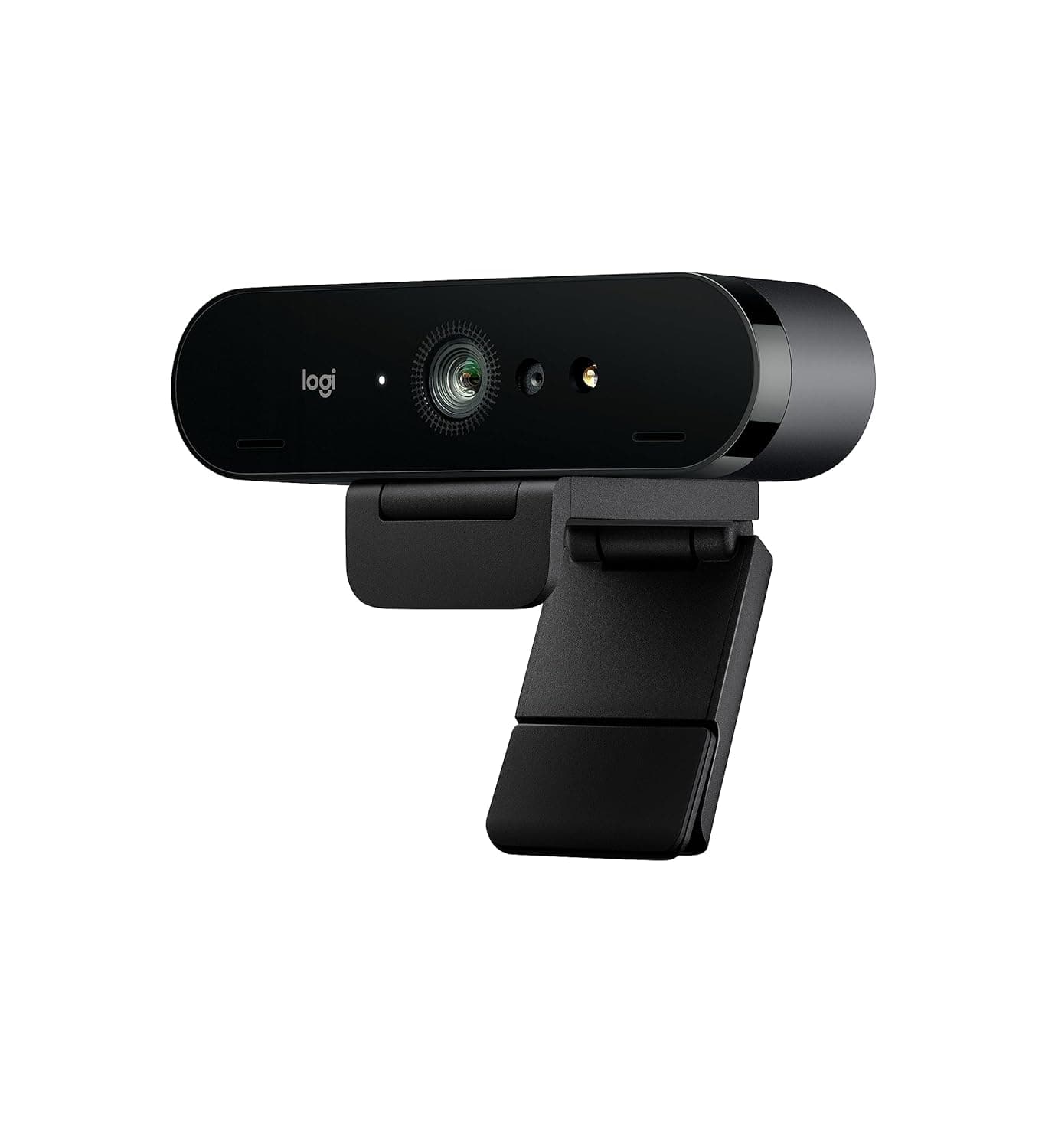
Logitech Brio Stream 4K Webcam
Premium 4K webcam with smart HDR and zoom—built for hybrid teams who video-call daily.
Not available in the US
Resolution
4K (3840×2160) at 30 fps
Optical Zoom
5× digital zoom + autofocus
Field of View
65°, 78°, 90° (selectable)
Light Correction
RightLight 3 with HDR
Why we picked it
The Brio Stream delivers 4K resolution (4× typical HD) with 5× optical zoom and RightLight 3 HDR, making it the rare premium webcam that handles poor lighting conditions without degradation. It's certified for enterprise use across Teams, Zoom, and Google Meet, with USB plug-and-play compatibility—no flaky drivers or setup theater.
Pros
- 4K resolution (3840×2160) with 5× optical zoom eliminates the blurry crop-and-zoom trap of standard 1080p webcams
- RightLight 3 with HDR automatically corrects backlit and low-light scenarios without manual adjustment or post-processing
- Three fixed field-of-view modes (65°, 78°, 90°) let you frame group calls or 1:1s without software hacks or repositioning
Cons
- Requires USB 3.0 connection for full 4K performance—older laptops or underpowered hubs will throttle to 1080p
- Premium price tier reflects enterprise positioning; overkill for casual home office users who rarely appear on camera
Performance
The Brio Stream's 4K sensor captures detail that 1080p webcams simply cannot match—skin texture, eye focus, and small text on monitors remain crisp during calls. RightLight 3 with HDR is the standout: it reads the full dynamic range of your scene and rebalances shadows and highlights in real time, eliminating the blown-out face or silhouette problem that plagues budget webcams. Autofocus tracks movement smoothly, and the 5× digital zoom means you can frame tighter shots without repositioning hardware. USB 3.0 is mandatory for 4K; USB 2.0 falls back to 1080p.
Design & Build
The Brio Stream is compact and desk-friendly—a small dome with a slim stand that rotates and tilts. Build quality is solid plastic, not premium metal, but it feels robust and doesn't rattle on a monitor arm. The integrated mic has noise cancellation, though it's a secondary feature; external mics are common in professional setups. The USB-C cable is fixed (not detachable), so routing around a desk requires planning. It works mounted on a monitor, monitor arm, or tripod via standard 1/4" threading.
Value for Professionals
At ₹21,990, this is a premium webcam aimed at teams where video presence directly impacts trust and clarity—sales calls, client presentations, remote leadership roles. It's enterprise-certified for Skype for Business, Cisco Jabber, and Cortana, and plug-and-play across Teams, Zoom, and Google Meet. The ROI is strongest for roles where you're on camera 6+ hours a week; casual users will see diminishing returns. Compared to its class (other 4K business webcams), the Brio Stream's HDR handling is a genuine differentiator—not a gimmick.
Who is it for?
Sales & Account Managers
4K detail and RightLight 3 ensure you look polished during client-facing calls, even in poorly lit home offices or conference rooms.
Remote Team Leads
Three FOV settings and zoom let you frame group standups or 1:1s without constant repositioning, reducing meeting friction.
Content Creators & Streamers
4K sensor and HDR handling provide production-quality video without external lighting rigs or color grading in post.
Frequently asked questions
Does the Brio Stream work with older laptops?+
It requires USB 3.0 for 4K capture. USB 2.0 ports will force a fallback to 1080p resolution. Check your device before purchasing if you're on legacy hardware.
Is the integrated microphone good enough for client calls?+
The mic has noise cancellation and is decent for backup, but professional setups typically use external USB or headset mics for better isolation and control. Treat the built-in mic as a convenience, not a replacement.
Can I use this on a Mac or iPad?+
Yes. The Brio Stream is UVC-compliant and works with macOS, iPadOS, and any system with USB camera support. No drivers are required; it's true plug-and-play across platforms.