Comparison — US
Logitech MX Master 3S vs BenQ ScreenBar Halo Monitor Light
Side-by-side comparison with USD pricing for US buyers.
Accessories
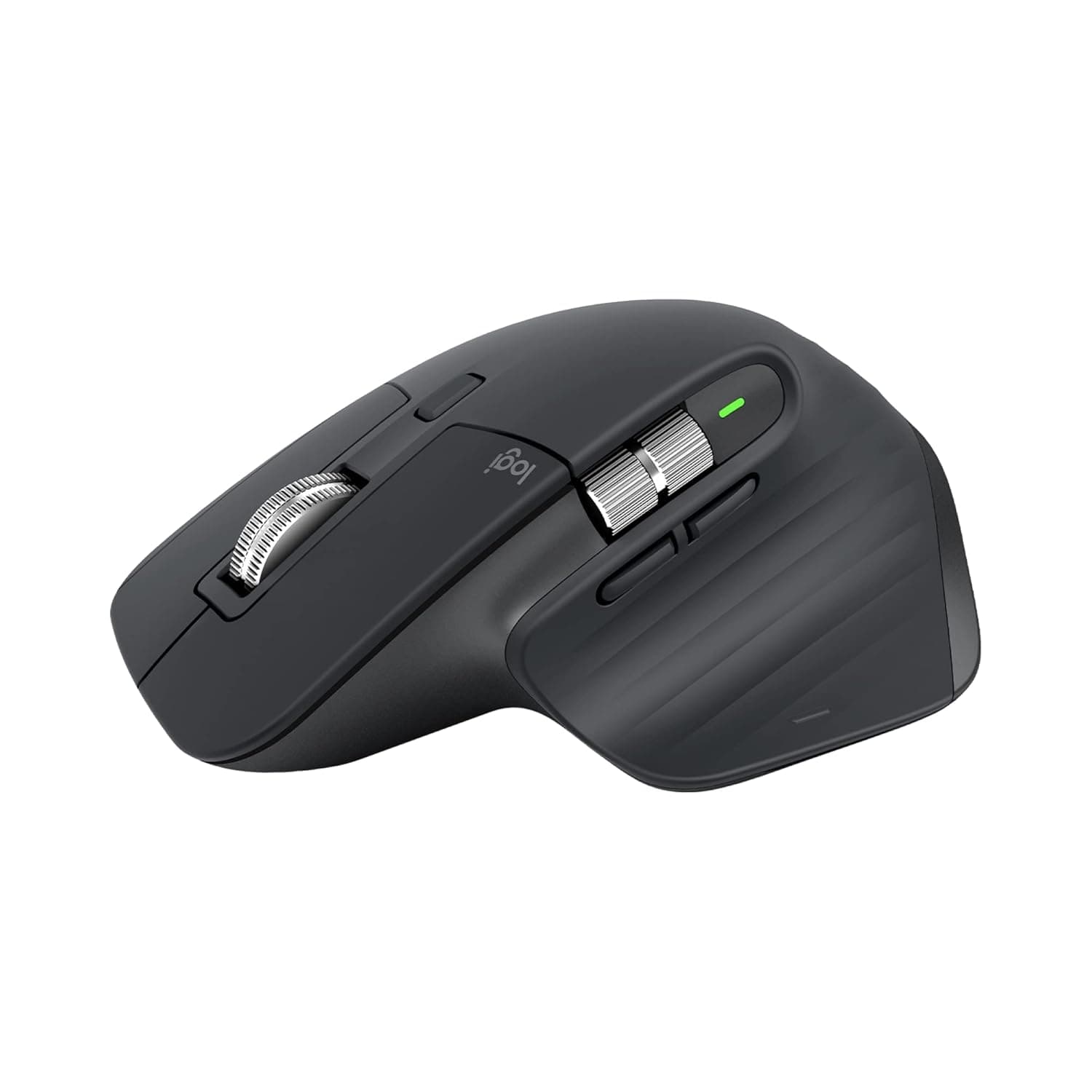
Logitech MX Master 3SBest-in-class wireless mouse for desk professionals; precision and quiet clicks justify premium cost.
Accessories
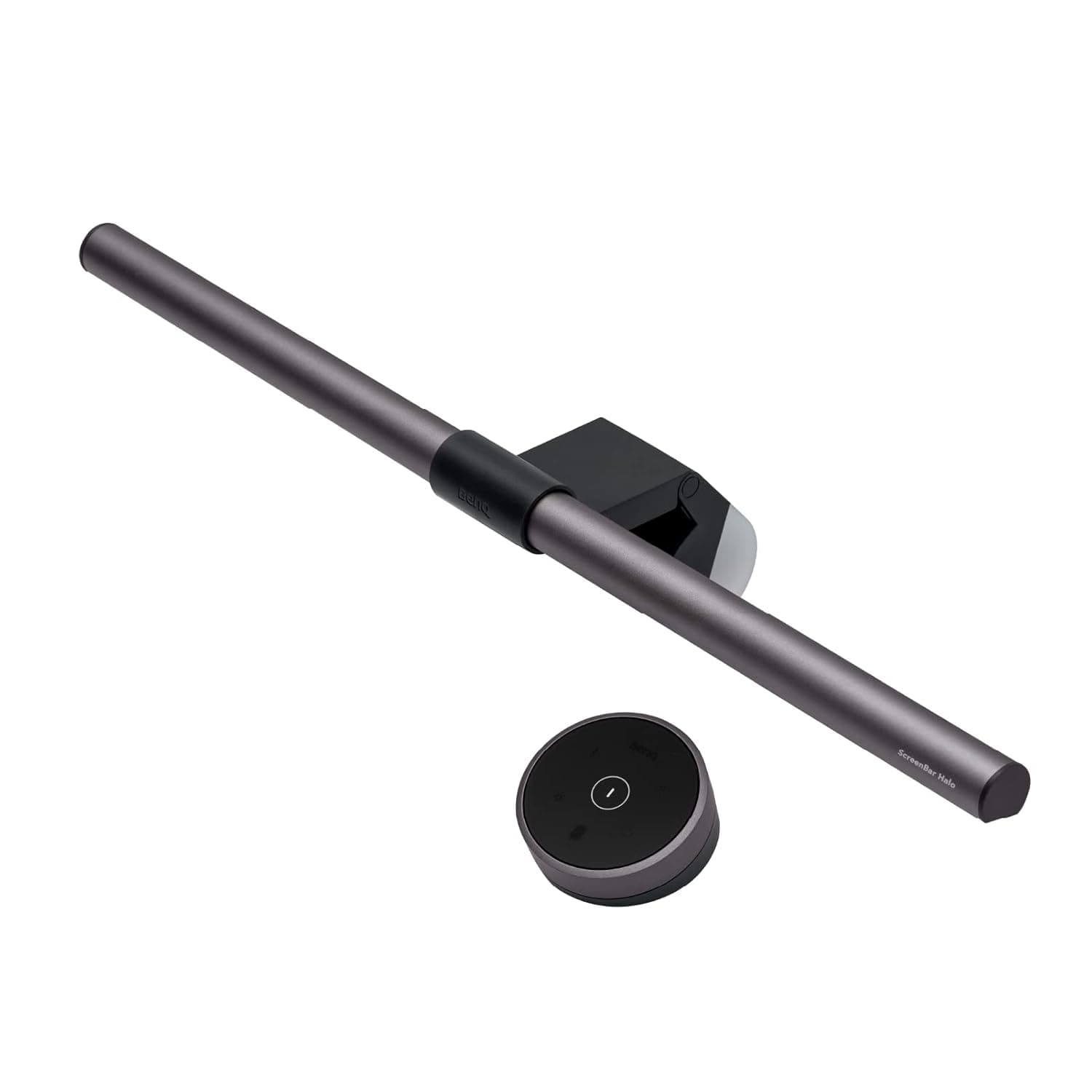
BenQ ScreenBar Halo Monitor LightBest monitor light for professionals prioritizing eye comfort and desk minimalism.
Pros
- 8K DPI sensor tracks on any surface including glass with customizable sensitivity—eliminates dead zones professionals hit on unconventional desks
- MagSpeed scrolling is 90% faster and 87% more precise than standard wheels; paired with Quiet Clicks (90% noise reduction), reduces fatigue during marathon documentation or spreadsheet work
- Ergonomic silhouette with optimally placed thumb controls and natural wrist posture support; customizable profiles via Logi Options+ let you swap configs per app
Cons
- Premium price tier positioned at ₹7,994—not budget-friendly for casual users or small teams buying in bulk
- No native macOS gesture support out of the box; relies on third-party software (Logi Options+) for full customization, adding setup friction
Pros
- Integrated back light + front light with 3 independent modes reduces glare measurably and supports 100+ stepless brightness and color temperature levels via wireless controller
- Weighted clip mounts on monitors 0.63–6cm bezel width (flat) or up to 3.8cm (curved 1000R+), eliminating the need for a desk lamp base
- USB-powered with 1.5m cable; no additional wall outlet required, making it ideal for hot-desk and compact workspace setups
Cons
- Curved monitor compatibility limited to 1000R curvature or less; non-planar back designs may prevent secure mounting
- No battery backup or standalone operation—depends entirely on USB power, restricting placement flexibility away from powered USB ports
Logitech MX Master 3S
The MX Master 3S delivers measurable performance gains—8K DPI sensor works on glass, MagSpeed scrolling is 90% faster with 87% better precision, and Quiet Clicks reduce noise by 90%. For knowledge workers grinding through long editing or design sessions, this is the mouse that justifies its premium price through documented ergonomics and cross-device productivity.
BenQ ScreenBar Halo Monitor Light
Dual front-and-back lighting with 100+ stepless brightness levels eliminates screen glare while reducing eye strain during long work sessions. Asymmetrical optical design and USB-powered clip mount save desk real estate without sacrificing adjustability or compatibility across monitor sizes.
Product Designers — MagSpeed precision and 8K DPI support pixel-level detail work in Figma or Adobe XD; customizable profiles streamline tool-switching.
Data Analysts — 90% faster scrolling and Quiet Clicks enable comfortable marathon spreadsheet sessions without fatigue or disturbing teammates.
Content Editors — Low-noise clicks and ergonomic thumb controls reduce hand strain during long writing, transcription, and video timeline work.
Software Engineers — Long coding sessions benefit from adjustable, glare-free lighting without consuming desk space next to multiple monitors.
Content Creators & Designers — Dual-light system prevents color-temperature shifts and screen reflections that compromise monitor color accuracy during content review.
Remote Knowledge Workers — USB-powered and compact design ideal for hot-desking and travel, with wireless control for quick adjustment between video calls and deep-focus work.