Comparison — US
Logitech MX Master 3S vs CalDigit TS4 Thunderbolt 4 Dock
Side-by-side comparison with USD pricing for US buyers.
Accessories
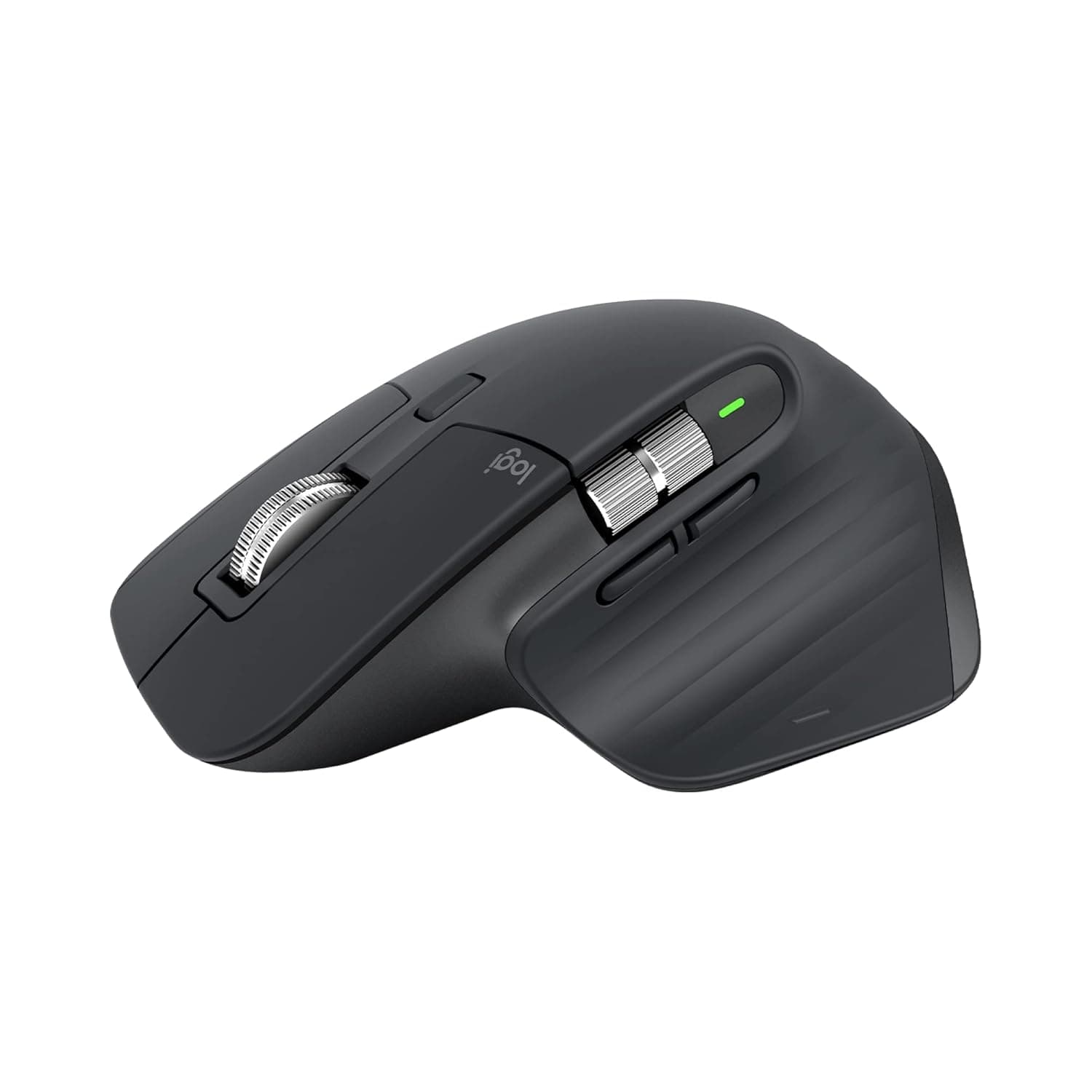
Logitech MX Master 3SBest-in-class wireless mouse for desk professionals; precision and quiet clicks justify premium cost.
Accessories
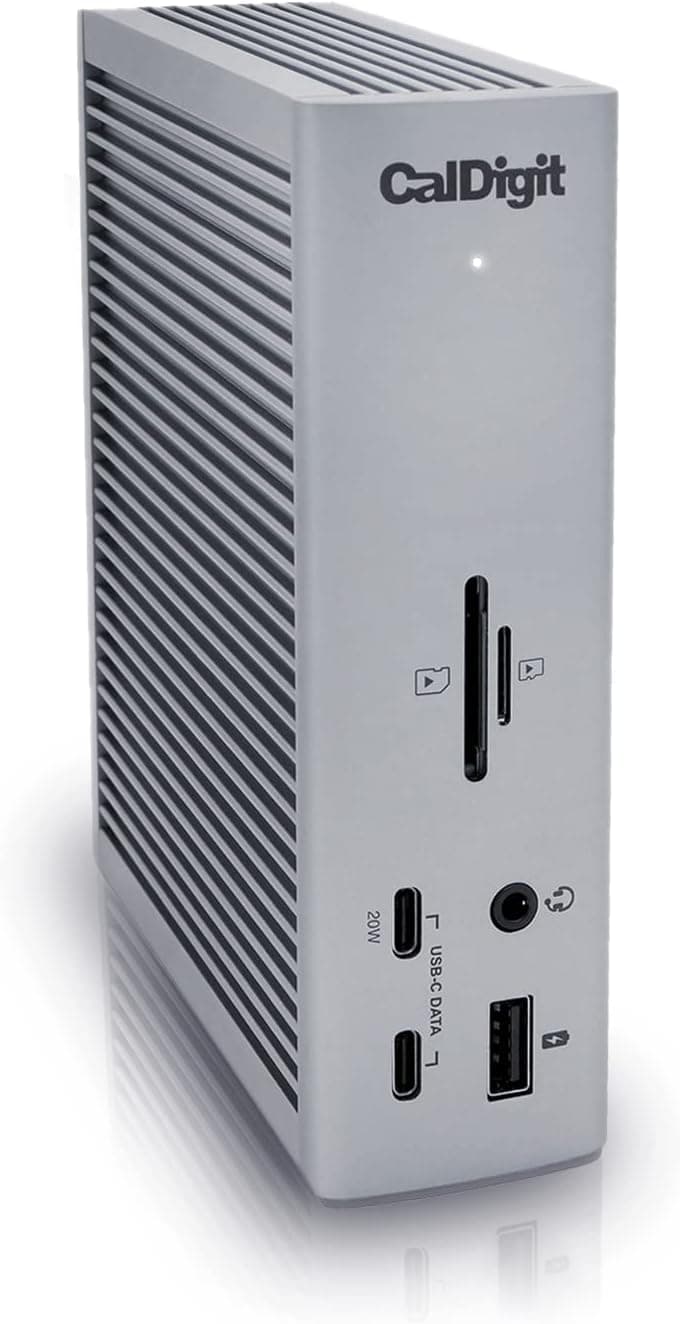
CalDigit TS4 Thunderbolt 4 DockBest-in-class Thunderbolt dock for power users demanding bandwidth and multi-device connectivity.
Pros
- 8K DPI sensor tracks on any surface including glass with customizable sensitivity—eliminates dead zones professionals hit on unconventional desks
- MagSpeed scrolling is 90% faster and 87% more precise than standard wheels; paired with Quiet Clicks (90% noise reduction), reduces fatigue during marathon documentation or spreadsheet work
- Ergonomic silhouette with optimally placed thumb controls and natural wrist posture support; customizable profiles via Logi Options+ let you swap configs per app
Cons
- Premium price tier positioned at ₹7,994—not budget-friendly for casual users or small teams buying in bulk
- No native macOS gesture support out of the box; relies on third-party software (Logi Options+) for full customization, adding setup friction
Pros
- 98W power delivery charges most laptops plus 18 connected devices simultaneously via one cable, eliminating desk clutter and wall outlet hunting.
- Three native Thunderbolt 4 ports (40Gb/s) provide genuine bandwidth for 4K+ video work and fast external storage without daisy-chain limitations.
- 2.5GbE Ethernet delivers 2.5× faster speeds than standard gigabit, measurably improving NAS and cloud sync performance on compatible networks.
Cons
- Display support varies significantly by hardware: M1–M3 base Macs limited to single display only; Windows maxes out dual 4K instead of dual 6K—real constraint for multi-monitor professionals.
- Requires certified Thunderbolt 4 or Intel-certified cable for full 40Gb/s performance; older Thunderbolt 3 or USB-C hosts cap speeds to legacy specs, limiting future-proofing on non-Thunderbolt 4 systems.
Logitech MX Master 3S
The MX Master 3S delivers measurable performance gains—8K DPI sensor works on glass, MagSpeed scrolling is 90% faster with 87% better precision, and Quiet Clicks reduce noise by 90%. For knowledge workers grinding through long editing or design sessions, this is the mouse that justifies its premium price through documented ergonomics and cross-device productivity.
CalDigit TS4 Thunderbolt 4 Dock
The TS4 consolidates 18 ports into a single connection, delivering 98W charging and up to 8K display support—critical for creatives and engineers running multi-monitor setups. The three Thunderbolt 4 ports (40Gb/s each) and 2.5GbE networking eliminate bottlenecks in data-heavy workflows, while broad OS compatibility (macOS M1–M4, Windows, Chrome) justifies the premium tier.
Product Designers — MagSpeed precision and 8K DPI support pixel-level detail work in Figma or Adobe XD; customizable profiles streamline tool-switching.
Data Analysts — 90% faster scrolling and Quiet Clicks enable comfortable marathon spreadsheet sessions without fatigue or disturbing teammates.
Content Editors — Low-noise clicks and ergonomic thumb controls reduce hand strain during long writing, transcription, and video timeline work.
Video editors and colorists — Native support for dual 6K displays at 60Hz on M-series Macs and single 8K on Windows allows for pro-grade multi-monitor grading and timeline workflows without external adapters.
Data engineers and scientists — Three Thunderbolt 4 ports enable simultaneous high-speed connections to external SSDs, RAID arrays, and computation nodes without USB bandwidth contention.
Hybrid workers with Mac and iOS — Single 98W dock charges MacBook Pro and simultaneously supports iPad Pro or iPhone 15/16 Pro via USB-C while keeping network and peripherals live.